MPC PLUGIN BUILDER SDK GUIDE // MPC OS 3.10.1 + MPC SAMPLE 1.4 // 109 PAGES
Build your own MPC plugins with AI.
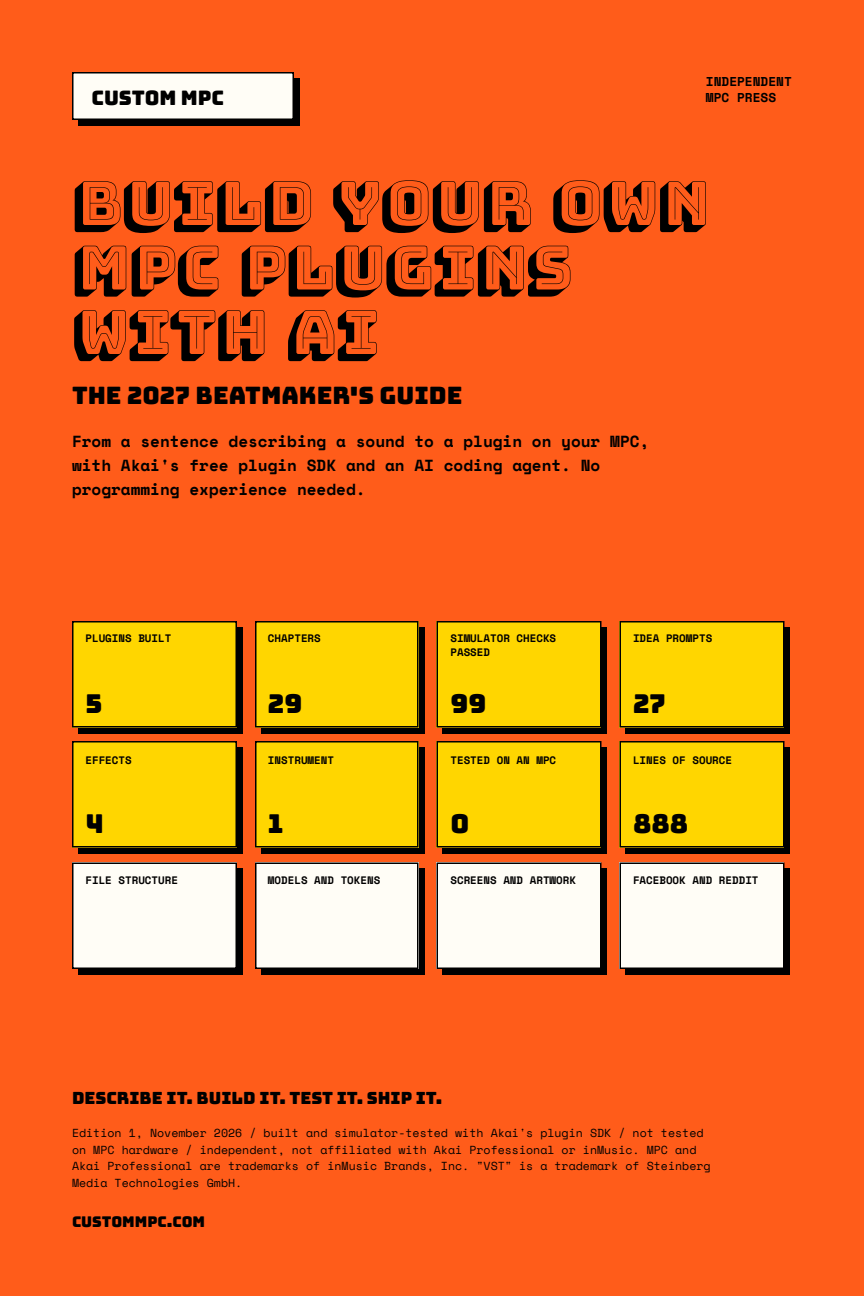
The beatmaker's guide to Akai's MPC Plugin Builder SDK. Describe an effect or instrument, and an AI coding agent writes, builds and tests it. No C++ required. Covers standalone MPCs on MPC OS 3.10.1 and custom Knob FX on MPC Sample 1.4, with five finished plugins and their full source.
One download: the book as a PDF, five plugin projects with full source, the same five ready-built, prompts and a release checklist.
Instant download from Gumroad. Edition 1, November 2026.
READ THIS BEFORE YOU BUY
What we tested, and what we did not.
What we ran ourselves
- Built all five plugins with Akai's SDK on a Windows PC, from written descriptions.
- Each compiled for both kinds of MPC processor with zero errors and zero warnings.
- Each passed the SDK's host simulator with zero warnings and zero failures. The reports are printed in the book.
- Gave one plugin its own background and knob artwork, rebuilt it and passed again.
What we did not run
- None of these plugins has been loaded on a real MPC. We do not own one.
- Every on-device step in the book is Akai's documented step, and is marked that way.
- We built on Windows only. Mac and Linux commands come from Akai's documentation.
- The 27 extra plugin ideas in the back are ideas, not tested builds.
Akai's own documentation says the simulator cannot replace a test on the hardware, and that third-party plugins run with no crash protection. Save your project before loading one.
TRY IT // FOUR PAGES
Read four pages before you pay.
Get all 109 pages and five plugins · $10
Want the short version first? Read the free guide.
WHAT IS IN THE DOWNLOAD
The book, five plugins, and the prompts behind them.
| Item | What it is |
|---|---|
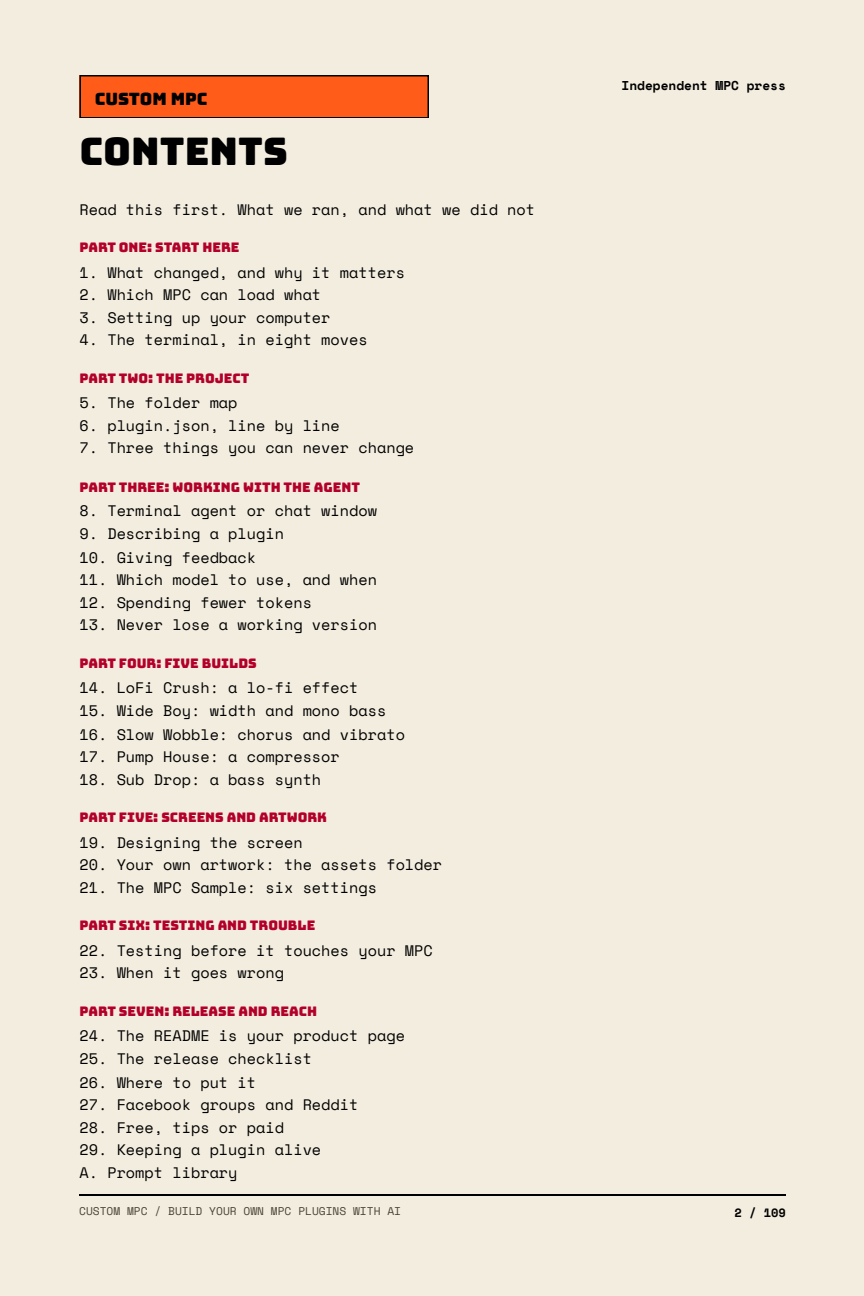
| The book (PDF, 109 pages) | 29 chapters in seven parts, plus a prompt library and glossary. |
| Five plugin projects | Full source, MIT licence: use them, change them, release your own from them. |
| Five built plugins | Compiled for 32-bit and 64-bit MPCs, each zip with install notes. |
| PROMPTS.md | Every description and working prompt from the book, ready to paste. |
| RELEASE_CHECKLIST.md | The list to tick before you share a plugin. |
The five plugins
| Plugin | Kind | What it does | MPC Sample |
|---|---|---|---|
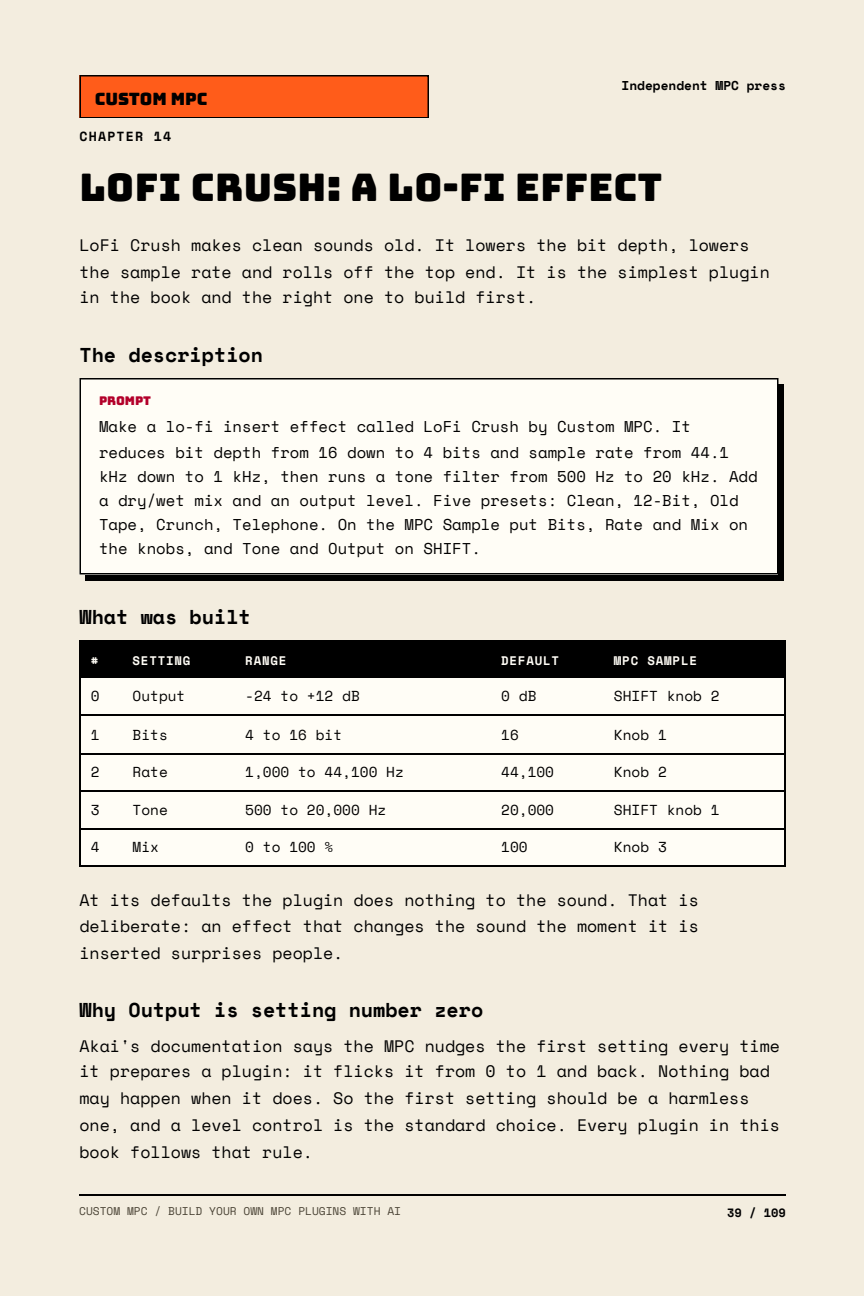
| LoFi Crush | Effect | Lo-fi: bit depth, sample rate, tone, mix. | Yes, knobs mapped |
| Wide Boy | Effect | Stereo width with a mono low end. | Yes, knobs mapped |
| Slow Wobble | Effect | Chorus and vibrato. | Yes, knobs mapped |
| Pump House | Effect | Compressor with a parallel mix. | Yes, knobs mapped |
| Sub Drop | Instrument | Mono bass synth with filter envelope, glide and drive. Ships with custom artwork. | No (instruments do not run there) |
What the book covers
| Part | Chapters |
|---|---|
| Start here | What changed. Which MPC loads what. Setting up your computer. The terminal in eight moves. |
| The project | The folder map. plugin.json line by line. Three things you can never change. |
| Working with the agent | Terminal agent or chat window. Describing a plugin. Giving feedback. Which model to use and when. Spending fewer tokens. Never losing a working version. |
| Five builds | Each plugin from description to tested package, with its full source and test report. |
| Screens and artwork | Pages, knobs, faders and switches. Your own background and knob in an assets folder. The MPC Sample's six settings. |
| Testing and trouble | What the simulator checks and cannot check. What to say when something breaks. |
| Release and reach | The README as a product page. The release checklist. Where to list it. Facebook groups and Reddit. Free, tips or paid. Keeping a plugin alive. |
COMPATIBILITY // FROM AKAI'S SDK DOCUMENTATION
Which MPC models can load custom plugins?
| Group | Models | Needs | Loads | Turn it on |
|---|---|---|---|---|
| 32-bit MPCs | MPC X, MPC X SE, MPC Live, MPC Live II, MPC One, MPC One+, MPC Key 61, MPC Key 37, Force | MPC OS 3.10.1 or later | Instruments and effects, with touch screen pages and Q-Link knobs | Preferences > Enhancements (Beta) > Enable Enhancements and External Plugin Support |
| 64-bit MPCs | MPC Live III, MPC XL and later 64-bit models | MPC OS 3.10.1 or later | Instruments and effects, with touch screen pages and Q-Link knobs | Same as above |
| MPC Sample | MPC Sample | Firmware 1.4 or later | Effects only, as Knob FX: six settings, no plugin screen | SHIFT + PAD 8 (MIDI Config) > Dev Enhancements (Beta) > Custom Plug-In Support |
| Not supported | MPC Studio and other controllers; the desktop MPC software is not a target |
The model lists are the ones in Akai's SDK documentation, read on 24 November 2026. One build of a plugin covers every group: the SDK compiles a 32-bit and a 64-bit version into the same folder. Plugins go in a folder named VST2 Plugins on a USB stick or SD card. Despite the name, desktop VST plugins do not load.
FAIR QUESTION
Akai's SDK is free. Why buy a guide?
Akai's SDK is the engine, and it is excellent. Its documentation is written for developers and for the AI agent itself. This book is written for the person holding the MPC.
| You get from Akai's SDK | You get from this book |
|---|---|
| The build tools, the framework and three example plugins | Five more projects with full source, each explained in plain words |
| Reference pages for every file format | What each file is for, which ones to touch, and the three things you can never change after release |
| Instructions the AI agent follows | How to describe a plugin, how to give feedback, which model to use when and how to spend fewer tokens |
| A simulator and a troubleshooting page | How to read the report and what to say to the agent for each failure |
| The six-knob format for the MPC Sample | How to choose the six, and the catch with settings that are not on a knob |
| Nothing about what happens after the build | The release checklist, the README, where to list it, Facebook groups, Reddit, free versus paid |
Free desktop apps that wrap the SDK exist too. They can save setup time. They do not teach you why a build broke or how to design a plugin people want, and that is the part this book is about.
QUESTIONS
Questions people ask first
Can MPC OS 3.10.1 or the MPC Sample load desktop VST plugins?
No. The folder is named VST2 Plugins, but Akai's own FAQ says that does not mean standard desktop VST2 plug-ins are compatible. An MPC loads plugins built for its own ARM processor with Akai's MPC Plugin Builder SDK. A .dll, .vst3 or AU copied from a computer will not appear.
Do I need to know C++ to build an MPC plugin?
No. Akai's SDK is written to be driven by an AI coding agent such as Claude Code or OpenAI Codex: you describe the plugin and the agent writes, builds and tests it. You need to be comfortable opening a terminal and pasting a command. The book teaches that part.
Can a custom plugin crash my MPC?
Yes. Akai says third-party plugins are not tested or supported by inMusic and that a faulty one can freeze or crash the device or cause audio glitches. That is why the book has you pass the SDK's simulator on your computer first and save your project before loading anything.
Does this work on the MPC Sample?
For effects, yes, on firmware 1.4 or later. The MPC Sample loads custom effects as Knob FX with six settings: three knobs and three more with SHIFT. It does not load instruments. Four of the five plugins in the kit are effects and ship with a knob mapping.
Which AI coding agent should I use?
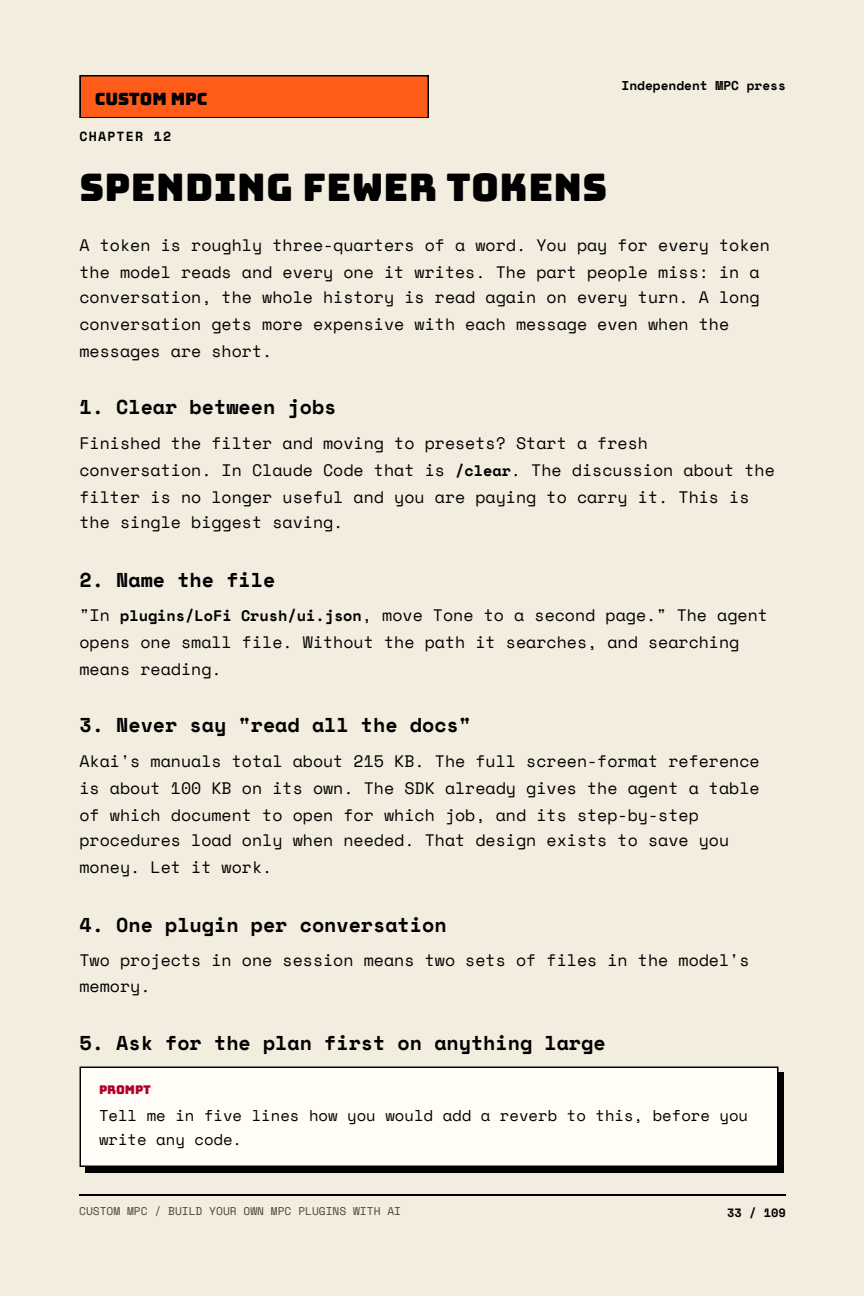
One that runs in a terminal, reads and edits files and runs commands. Akai's SDK ships instructions for Claude Code and OpenAI Codex. A browser chat window cannot build or test, which is the most common reason people get stuck. The book covers which model tier to use for which job.
Akai's SDK is free. Why would I buy a guide?
The SDK's documentation is written for developers and for the AI agent. This book is written for the beatmaker: how to describe a plugin, what each file is for, how to keep the cost down, how to design the screen and the six MPC Sample knobs, what to say when a build breaks, and how to release it. It also gives you five working projects to start from.
Were these plugins tested on a real MPC?
No. All five were built with Akai's SDK and passed its host simulator with zero warnings and zero failures, on a Windows PC. None has been loaded on MPC hardware. The book says so on its first page.
FIT CHECK
What you need, and who this is not for.
You need
- A Windows, Mac or Linux computer.
- An AI coding agent such as Claude Code or OpenAI Codex. Not included; usually a subscription.
- Akai's plugin SDK. Free, from Akai's GitHub.
- An MPC on MPC OS 3.10.1 or later, or an MPC Sample on firmware 1.4.0 or later (effects only).
Skip it if
- You want plugins that someone has already tested on hardware. These have only passed the simulator.
- You already write audio code. Akai's own docs will serve you better.
- Your MPC is on firmware older than 3.10.1 and you are not going to update.
Unofficial. Not made, endorsed or supported by Akai Professional or inMusic. MPC and Akai Professional are trademarks of inMusic Brands, Inc.