MOD MPC60 / 3000 / 2000XL / 4000
SCSI to SD card mod for vintage MPCs: what it actually fixes
Every MPC old enough to use SCSI storage is now old enough that its SCSI drive is the weakest part in the box. Here is what a SCSI-to-SD swap actually does, which machines genuinely need it, what it costs today, and the parts of this mod the sales pages don't dwell on.
Why this mod exists
Every MPC that reads samples off SCSI does it through mechanical media that is now thirty-plus years old in the MPC60's case, or at best pushing twenty-five in the MPC4000's. That means a physical hard drive with spinning platters, or a Zip or SyQuest removable cartridge drive, still doing the one job that mattered most: not losing the session. Spinning drives from that era fail from old bearings and dead capacitors on the controller board. Iomega's Zip drive, the single most common SCSI storage option bolted onto MPC3000s and MPC2000XLs in the late 1990s, has a well-documented mechanical failure mode nicknamed the "click of death," where misaligned read/write heads make a clicking sound and stop reading, sometimes damaging the next disk inserted after. Iomega itself put the failure rate under half a percent of drives, but it was common enough to trigger a 1999 class-action settlement.
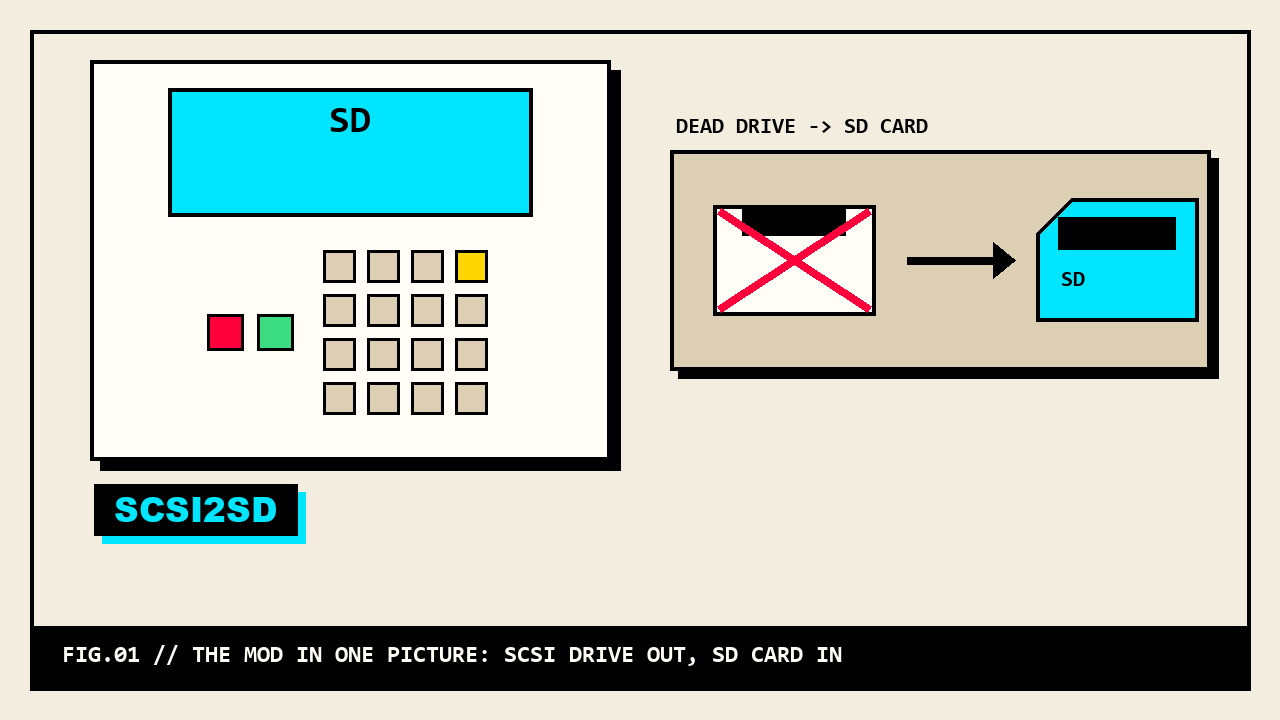
None of that is a today problem you can put off. A dead SCSI drive on one of these machines is not a part you can walk into a shop and buy new: SyQuest went out of business in 1998, Iomega stopped making Zip drives in the 2000s, and period-correct SCSI hard drives are now old enough to be failing on their own timeline regardless of use. When the drive goes, whatever wasn't backed up goes with it. That is the actual problem a SCSI-to-SD swap solves: it takes the one moving, aging, single point of failure out of the signal path and replaces it with a card that has no motor to seize and costs less than a lunch.
What SCSI2SD (and ZuluSCSI) actually are
SCSI2SD is a small circuit board that sits on the SCSI bus and answers like a SCSI hard drive, while it actually stores everything on an SD or microSD card. To the MPC, it looks exactly like the hard drive or Zip drive it replaced. To you, it's a card you can pull out, put in a computer, and back up in seconds. It was designed by an engineer named Michael McMaster and has been manufactured and distributed under license by Rabbit Hole Computing, a small hardware outfit that also builds the SCSI2SD configuration software.
Here's the part worth being straight about before anyone spends money: as of this writing, Rabbit Hole Computing's own storefront no longer lists SCSI2SD boards at all. Their current lineup is a related but different board called ZuluSCSI, and the company's own history page describes ZuluSCSI as having been funded out of SCSI2SD sales revenue and built after a chip shortage made the microcontroller the original SCSI2SD depended on hard to source. Michael McMaster is credited as the author of most of the core SCSI protocol code ZuluSCSI runs, but he is not employed by, or otherwise part of, Rabbit Hole Computing.
What this means practically: both names circulate in the MPC community and do the same job, and vendors that sell SCSI-to-SD kits for samplers, SamplerZone among them, now sell both and openly frame ZuluSCSI as the drive to buy going forward, with a free exchange program for owners of older SCSI2SD v5.2/v5.5/v6.0 boards. If you see "SCSI2SD" on a used board or an old forum thread, that's the classic name for this category of product. If you're buying new today, you're more likely buying ZuluSCSI hardware that plays the same role.
Either board works the same way at a mechanical level: it plugs into the same 50-pin SCSI header (or a DB25 adapter, depending on the MPC's connector) and gets configured, either by you with a small utility on a computer, or pre-configured by whoever sold it to you, to present itself as one or more virtual SCSI drives backed by disk-image files sitting on the SD card.
Which MPCs this applies to
The short version: any MPC that uses SCSI for storage is a candidate. That is not all of them, and the MPC60 in particular is not what most people assume.
- MPC60 / MPC60 Mk II: no SCSI, stock. The MPC60 shipped with a low-density (roughly 793KB) floppy drive as its only storage, and it never had a factory SCSI port. SCSI on an MPC60 always means a third-party retrofit board, most commonly the Marion Systems interface sold under the name MPC-SCSI, or a similar kit from Stratos Technology, plus an OS version that actually recognizes it. Only after one of those boards is in the machine does a SCSI2SD/ZuluSCSI drive have anything to plug into.
- MPC3000 / MPC3000LE: SCSI is a factory feature, a 25-pin D-type connector on the rear panel described in Akai's own Operator's Manual as compatible with the same drives used on period Apple Macintosh hardware. Akai's manual specifically lists tested compatible removable drives (Syquest 44/88/200MB 5.25-inch and 105/270MB 3.5-inch cartridges), not modern SCSI hard drives, which is a reminder that the manual predates almost everything people plug into a 3000's SCSI port today.
- MPC2000 (original) and MPC2000XL: both have factory SCSI, though not identical implementations. The MPC2000XL's manual documents a fixed SCSI ID of 6 for the machine itself, that the XL's own interface ships terminated, and a hard 6-metre limit on total SCSI chain length. The classic (non-XL) MPC2000 has a 25-pin external SCSI port but, per community documentation, cannot load samples over SCSI the way the XL can; it is mainly a floppy machine with SCSI as a secondary option, not a primary sample-storage path.
- MPC4000 / MPC4000 Plus: factory 50-pin high-density SCSI connector on the rear panel, set to SCSI ID 6 at the factory, supports up to seven total SCSI devices on the chain (the MPC4000 counted as one of them), and has an active terminator built in that stays on. The Plus variant additionally ships with an internal 80GB IDE hard disk and a CD-RW drive as standard, so on a Plus the SCSI port is for external expansion rather than the machine's only storage.
What this rules out: the MPC1000, MPC2500, and MPC500/1000-era machines store everything on Compact Flash from the factory and were never SCSI machines, so this whole mod is a non-issue for them; if you're reading about CF instead, that's a different article.
What to actually buy
You have three real options, in order of how much thinking you have to do yourself.
- A bare board, roughly $70 to $130. A raw SCSI2SD or ZuluSCSI board plus a plain SD card. Community pricing for a bare SCSI2SD board runs around $70; packaged internal versions with a tray and cable run higher. You configure the SCSI ID, image layout, and formatting yourself with the vendor's utility software on a computer. Cheapest path, most setup work, and you are on your own if the config utility's terminology (image files, SCSI IDs, sector sizes) is unfamiliar.
- An MPC-specific preconfigured kit, roughly $95 to $230. Small sampler-focused retailers (SamplerZone, MPCstuff, and similar shops) sell SCSI2SD or ZuluSCSI boards already mounted on a tray with the right ribbon cable for a named MPC model, and an SD card pre-formatted for that machine. SamplerZone's internal ZuluSCSI kit is priced per sampler model: $112.95 for MPC2000XL, $124.95 for MPC2000, $139.95 for MPC3000, at time of writing; their internal SCSI2SD v5.2 kit is a flat $129.95 across compatible samplers. MPCstuff also sells a portable SCSI SD card reader built around the MPC2000/3000/2000XL specifically, priced around $200-228, though its own listing says plainly it is not hot-swappable, a real difference from the SCSI2SD/ZuluSCSI boards.
- A dedicated internal hot-swap kit, price varies. A separate category from SCSI2SD/ZuluSCSI entirely: kits like MPCstuff's MPC3000 internal SCSI SD card reader replace the floppy drive with a hot-swappable SD reader, running the machine's factory SCSI path but through a different mechanism, and come with the caveat that "1GB and under cards tend to work the best" and larger cards may not format at all. This is the closest thing to a factory-feeling floppy-slot replacement, not a SCSI2SD-style drive emulator.
For a first mod on a machine you actually gig or record with, the MPC-specific preconfigured kit is the one that removes the most ways to get it wrong. The bare-board route is real money saved if you're comfortable reading a config utility's manual and you own more than one SCSI-equipped machine to spread the savings across.
Installing it: jumpers, IDs, termination
This is a hardware mod, not a software update, and it is worth being blunt about that before anyone orders a board expecting a drag-and-drop fix. The actual install has three parts that all have to be right at once:
- Physical connection. Internal installs need the board mounted somewhere in the case and wired to the MPC's internal SCSI header, which on the MPC3000 and MPC2000/XL means matching the machine's connector (a 25-pin D-sub on some models, ribbon-style internal headers on others) with the right cable or adapter; on the MPC4000 it's a 50-pin high-density connector. External installs are simpler physically, just a cable to the rear panel SCSI port, but add a box sitting outside the machine.
- SCSI ID and termination. Every device on a SCSI chain needs a unique ID, and Akai fixed the MPC's own ID at 6 on both the 2000XL and the 4000, so the drive has to be set to something else and the chain's termination has to land correctly, meaning the last physical device on the chain is terminated and nothing in the middle is. Get this wrong and the manual's own language is direct: the MPC2000XL's manual states incorrect termination "can cause data errors and corruption," and the same logic applies across every SCSI-equipped MPC. The MPC4000 removes one variable by keeping its own terminator always on, but the drive end of the chain is still yours to set correctly.
- Card formatting and image setup. The SD card itself does not just get dropped in and used; it holds one or more disk-image files that the board presents to the MPC as SCSI volumes, and those images generally need formatting from inside the MPC itself (using the machine's own FORMAT function, which the MPC2000XL's manual is blunt about: the format screen warns "THIS WILL ERASE THE WHOLE DISK!!" twice on one screen) after the board itself is configured on a computer. Preconfigured kits do most of this for you before it ships; bare boards leave it entirely in your hands.
None of these three steps is hard on its own. Getting all three right the first time, on a machine you can't just re-flash if you get it wrong, is the actual skill level this mod asks for: comfortable opening a case, reading a manual's SCSI ID/termination diagram correctly, and not being intimidated by a config utility that talks about SCSI IDs and sector sizes. It is squarely a weekend-project difficulty, not a plug-in-and-go one.
The honest caveats
Reliability is not universal across every MPC and OS combination, and the community record on this is mixed rather than uniformly positive, which is worth stating plainly instead of only repeating the vendor pitch.
On the MPC3000 specifically, a long-running MPC-Forums thread on getting SCSI2SD working documents real compatibility trouble on the stock Akai OS, with some users only getting a reliable result after switching to Vailixi, a third-party alternate operating system for the 3000, and disabling multi-sector transfers. One forum report in that thread describes SCSI2SD as working "perfectly" and faster than other solutions once running on Vailixi with that setting off; other posts in the same thread describe being unable to get a SCSI2SD board recognized at all even after adjusting firmware settings. That range, from "works great" to "never got it recognized," is a real, disclosed spread in the same thread, not a resolved consensus, and it belongs in the open rather than smoothed over.
Capacity limits are also real and model-specific, and bigger is not automatically better. Akai's own MPC2000XL documentation shows partitioning in 100MB-sized examples, and the community record (not the manual directly) puts the officially supported ceiling for that machine around 4.5GB, with larger cards reported to work under JJOS or with specific formatting but outside Akai's own stated support. On the MPC3000 side, MPCstuff's own hot-swap SD kit listing states plainly that cards "1GB and under" work best and some larger cards fail to format at all in that drive, which is the vendor itself setting the expectation, not a forum rumor. On the MPC4000, community reports put the internal drive ceiling in the range of 120GB with FAT32 constraints, though this comes from forum testing rather than a single clean number in Akai's own spec sheet, and larger external drives have reportedly worked with caveats. In every case: a card sized to what the machine can actually address is a better choice than the biggest card you can buy, because past the ceiling you're formatting space the MPC will never see.
None of this means skip the mod. It means treat "SCSI2SD" or "ZuluSCSI" as a real hardware project with a real chance of a fussy first attempt, buy the preconfigured option if troubleshooting a config utility on your own isn't how you want to spend an evening, and keep your old SCSI drive around, working or not, until the new one has proven itself through a few real sessions.
The full parts table
What's actually for sale today, by category. Prices are what the live listings said at time of writing, in US dollars.
| Option | Applies to | Cost today | Setup difficulty |
|---|---|---|---|
| MPC60 third-party SCSI board (Marion/Stratos) | MPC60, MPC60 Mk II only, prerequisite before any SD swap | Varies, secondhand market | Hardware install + OS with SCSI support |
| Bare SCSI2SD / ZuluSCSI board | Any factory-SCSI MPC (3000, 2000, 2000XL, 4000) plus a retrofitted MPC60 | ~$70 to $130 | DIY config utility + formatting, most setup work |
| MPC-specific preconfigured internal kit | Model-specific: 2000XL, 2000, 3000, 60 (per-model kits sold) | ~$95 to $140 | Mount + connect, mostly preconfigured |
| MPC-specific portable SD reader (not hot-swap) | 2000, 3000, 2000XL (with adapter) | ~$200 to $228 | DIY, simplest concept, not hot-swappable |
| Internal hot-swap SD reader (floppy replacement) | MPC3000 / MPC3000LE, replaces floppy drive | Varies, small-card-only | DIY install, card size sensitive |
SAFETY
Every MPC on this list has an internal power supply carrying mains voltage. Unplug it before opening the case, every time, and leave the PSU board itself alone. Match SCSI IDs and termination carefully before first power-on; the risk here is data corruption and a frustrating debug session, not injury, but it's still worth doing calmly on the first try rather than guessing and reformatting your way to a working config.
Sounds once storage is sorted
Starter Rack 001 includes separate modern and MPC1000 downloads. Choose the sample format for your machine before loading it; the included MPC1000 PGM is not a program for SCSI-era MPCs.
Got a working SCSI2SD or ZuluSCSI install worth featuring, or a different fix entirely? Send it in. The builds section runs on real machines.